Hours.
Every feature below exists to move a piece of your repeat work off your desk and leave you one decision instead of one afternoon.
A name, a face, a purpose, and the skills to match.
A bot is a teammate you talk to. It remembers your work between conversations, runs a job when you ask, and hands you a card when it needs a decision. Make one in a tap: pick its agent, its model, its skills. Or install a template: Review Team, Startup Crew, the seven Mac bots, the real-estate and shop-floor crews. Squads let several bots work one job together, with one supervisor.
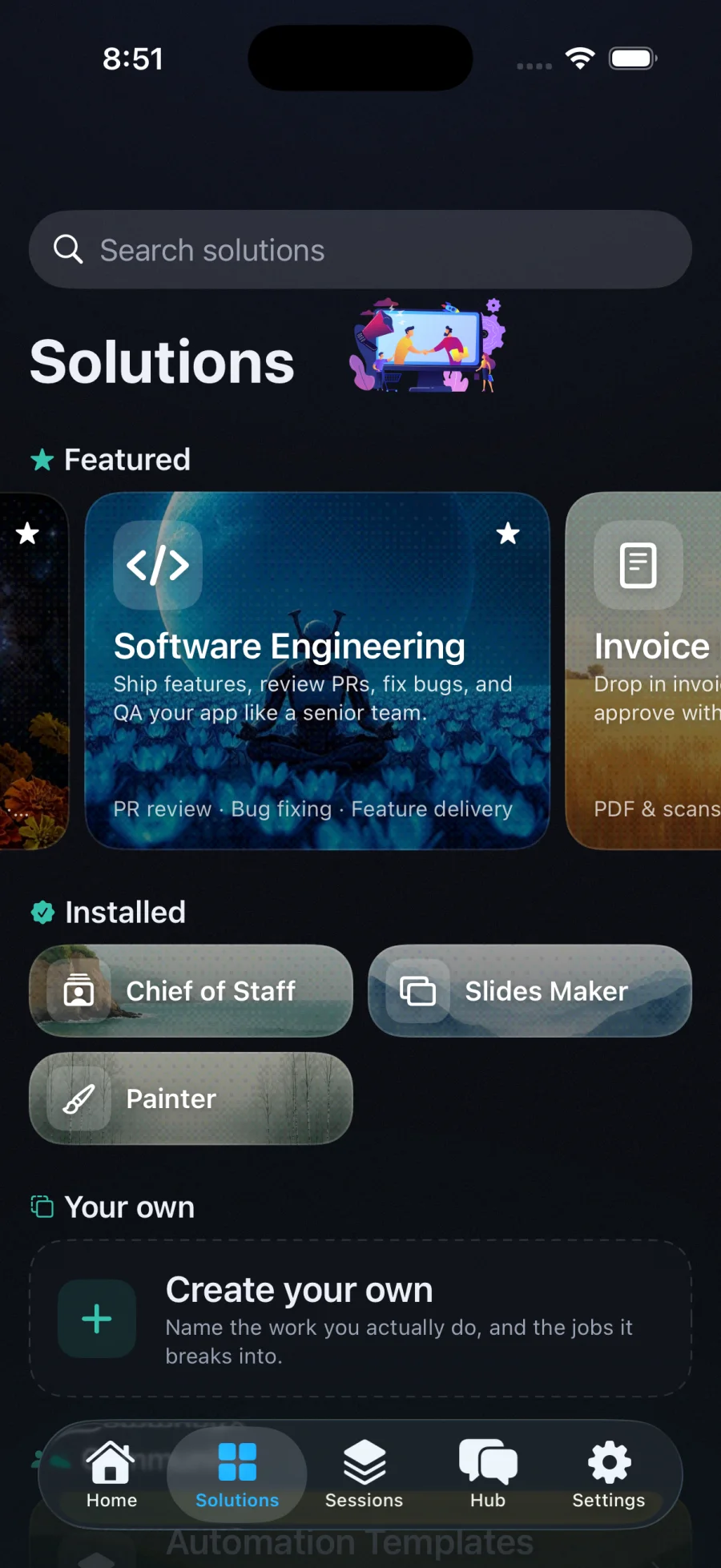
Install an outcome, not a prompt.
Twenty-eight Solutions ship today, by industry: invoice processing with the page for every number, document intelligence, a real-estate CRM that drafts the follow-up for you to send, a research assistant that briefs you every morning with citations, a creative and social studio that drafts freely and publishes only with your yes, an electrician's and a machine shop's toolkit. Each bundles the recipe, skills, connectors and policy it needs.
On a schedule, on an email, on a webhook, on your calendar.
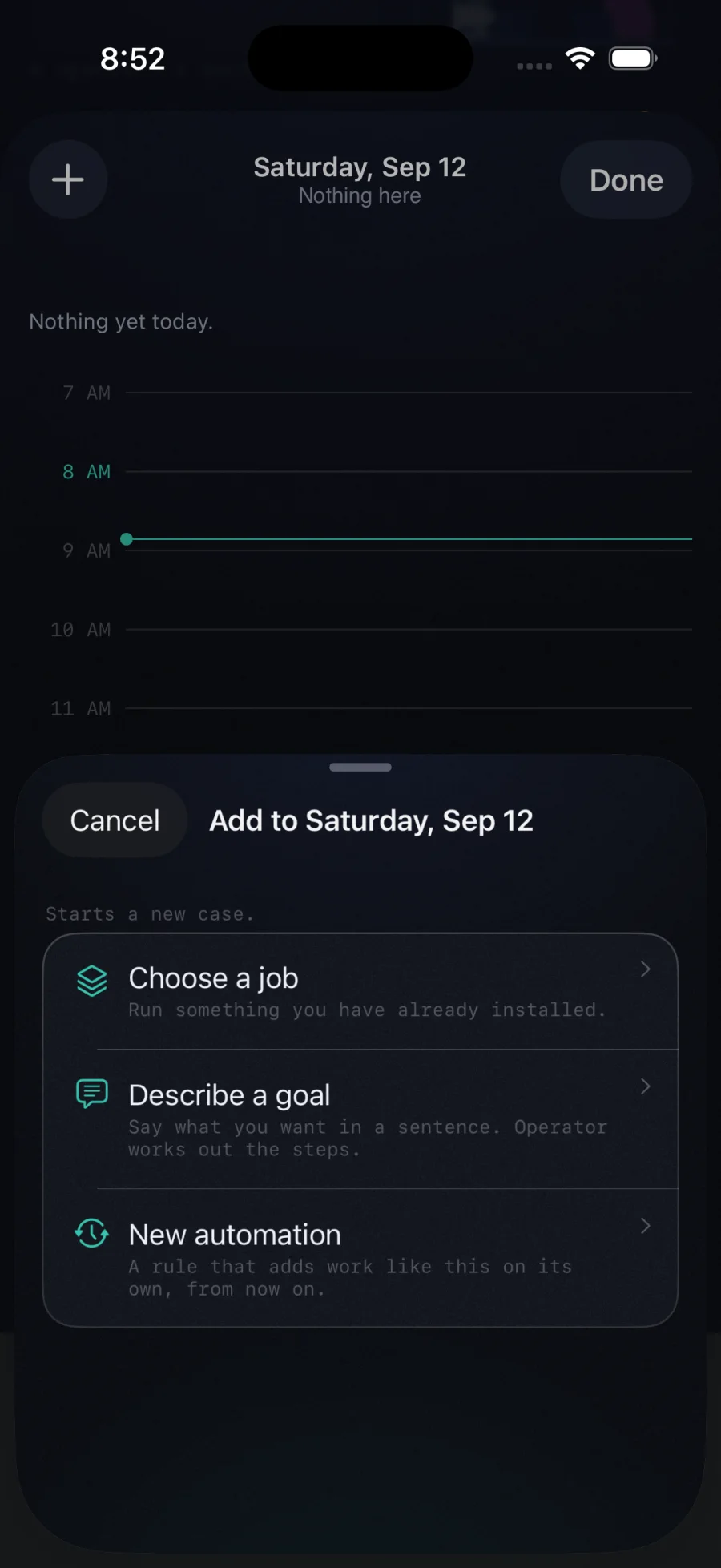
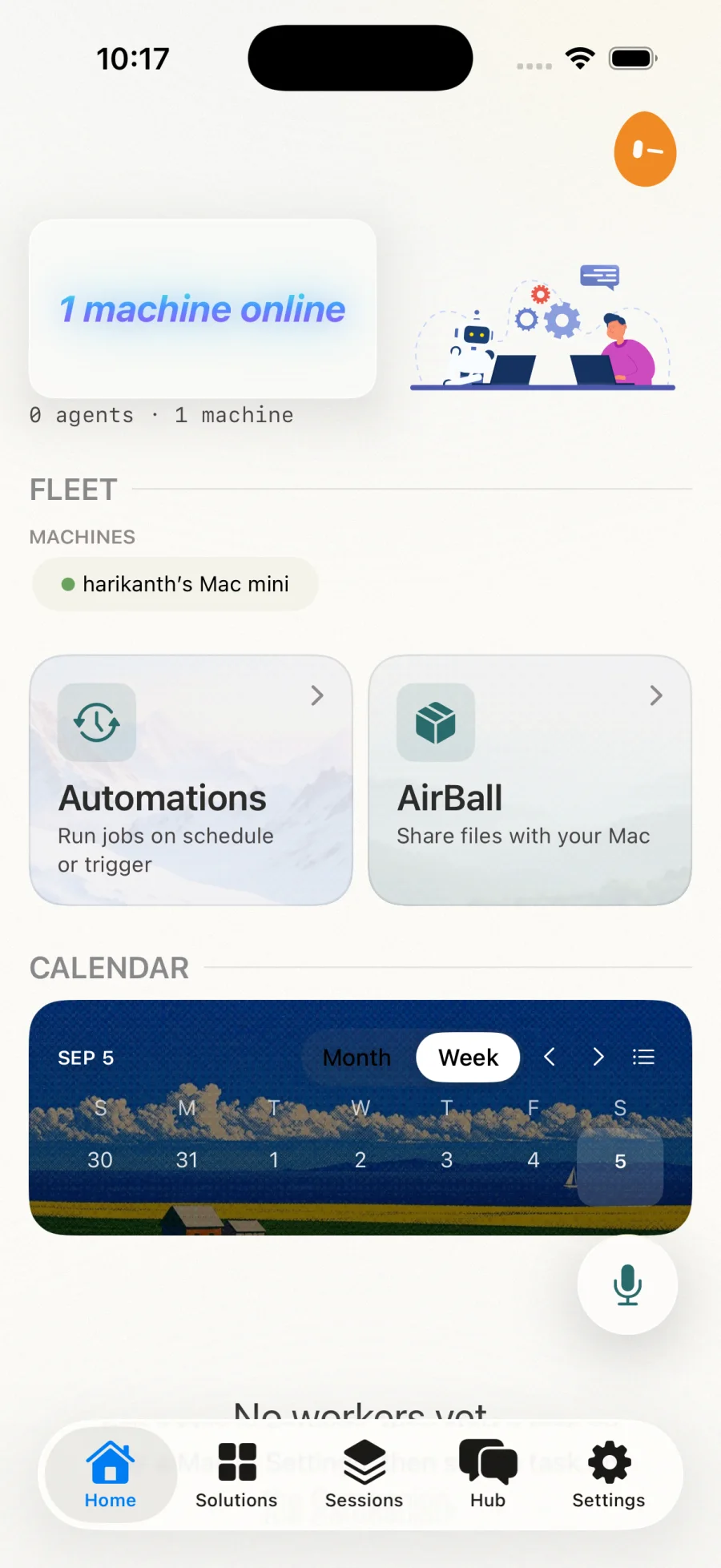
Put a job on a clock or a trigger and the repeat work happens: an invoice on arrival, a pull-request review as it opens, a nightly report, a briefing at seven. Schedule from the calendar, and the calendar shows what ran. Each run has a retry ladder, a budget, and a dead-letter shelf, so a failed night is a list in the morning, never a mystery.
Glasses, browser, phone. The work comes to the bots.
Twenty capture skills ship with the app and in the marketplace. Every one names what it receives, ends with a structured result, and says what it never does.
Ten things you do with your hands full.
Remember where you parked. Translate what is in view. Fridge to recipe. Price check in the aisle. A repair, one step at a time with the lockout first. The site walk as a report. Meeting notes from the mic. Describe the scene. Receipts to expenses. Whiteboard to notes.
Ten things you do with a page.
Summarize it, cited. Clip it to your notes. Watch the price. Prepare the form as a checklist. Fact-check every claim from primary sources. Draft the reply in your voice. Reviews to a verdict. Clip the recipe. Save the lead to your CRM. Translate it faithfully.
A photo, a file, a folder.
AirBall drops a file from your phone straight into a worker's folder. A photo of a document becomes a validated record with the page for every number. A folder of manuals becomes a knowledge base you can ask.

Transcribed on your machine, unless you say otherwise.
A clip from the glasses or the phone is transcribed by the Mac's own speech model with no key at all. Ask for quality, or for who said what, and Operator uses your ElevenLabs, Gemini or OpenAI key by policy. The transcript always says which model produced it, so a receipt can say where the audio went.
A pile of PDFs becomes answers you can trust.
Drop manuals, contracts and specs in a folder and a worker builds a knowledge base from them. Ask anything from your phone: every claim carries the page it came from, and the honest answer is "not covered" when your documents do not say. Trust gates automation: a knowledge base earns the right to act by answering well first.
you  ·  Torque spec for the 200A lug?

kb   ·  40 in-lb, per the install sheet.
        (R3, p.12)

you  ·  And for aluminum conductors?

kb · Not covered in these documents.A hybrid retriever reads a 200-page manual and surfaces the right passage, so the answer is grounded in your own documents, never invented.
Your morning, in two minutes.
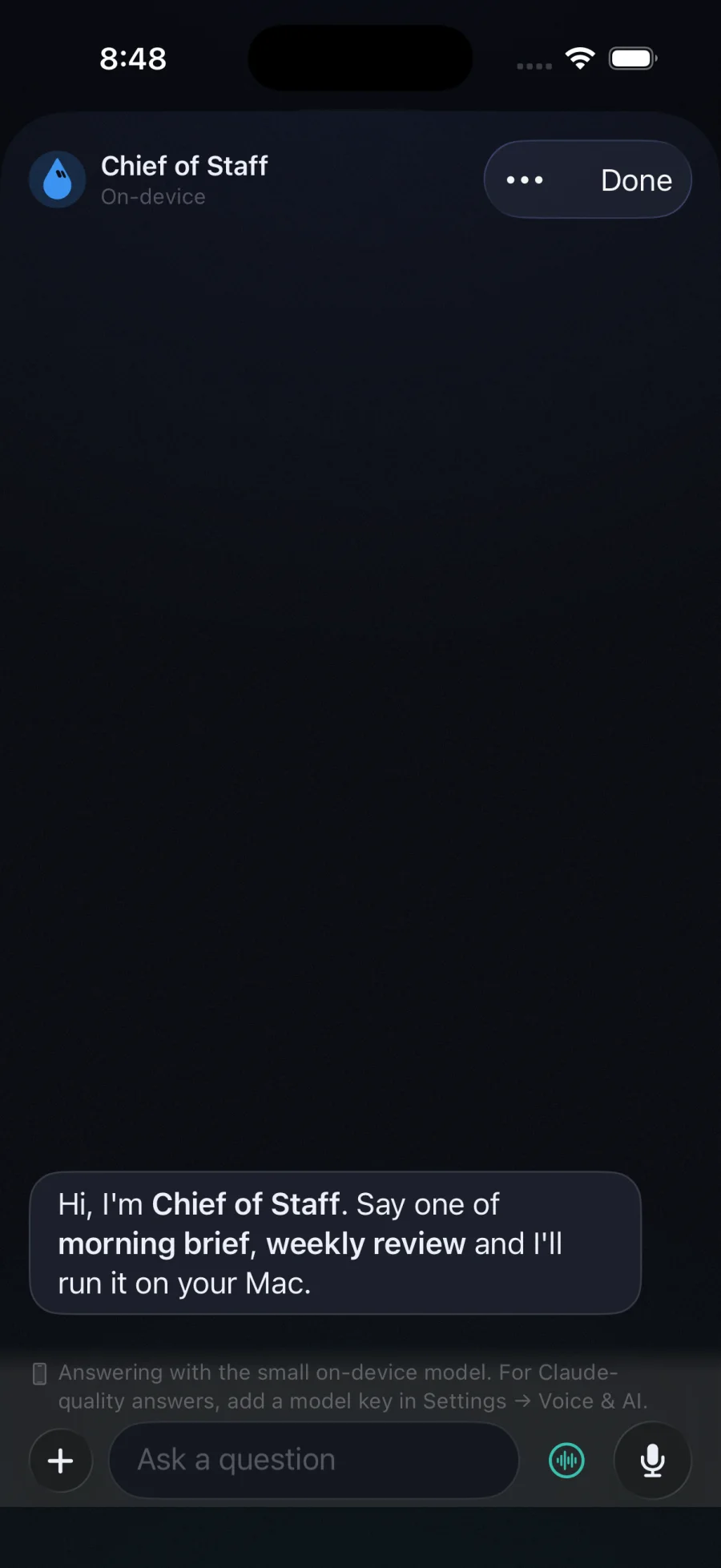
The phone's own model gives you a brief that reads what ran overnight, what is waiting on you and what the day holds. Chat with it directly, or Listen while you get ready. Voice control on the phone and watch: "Approve the migration." Resolved on device.
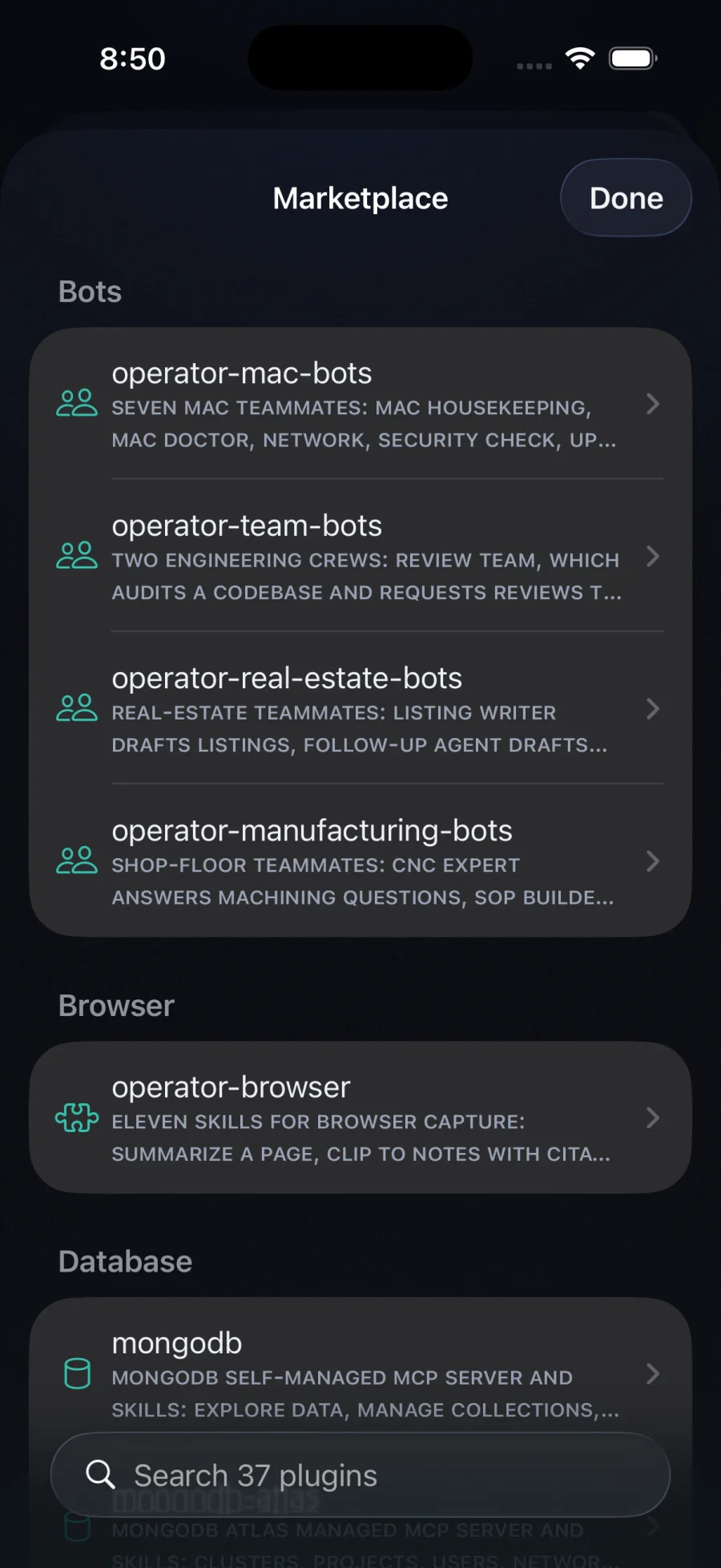
Teammates, skills and tools. One tap to add.
An open catalog in the same plugin layout Claude Code and Grok Build use, so a vendor's plugin installs unchanged. Bots from Operator; skills and MCP tools from Vercel, Stripe, Cloudflare, Sentry, Figma and more. Every plugin is pinned to a commit and vetted before it is listed. Your Mac fetches it; you see every skill, tool and bot before anything is kept.
It asks first. It writes everything down. It runs on your machine.
One tap, from anywhere. Even after a restart.
When a worker reaches a risky step it stops and the decision comes to you: a card on the phone, a tap on the watch, a word to the voice assistant. An approval survives the Mac restarting and the phone being asleep. The phone never shows an act as done that the Mac did not receive.

Green auto. Yellow ask. Red never.
Policy is a plain policy.md, the single source of truth. A risk ladder classifies every action; a floor you cannot switch off rejects the truly dangerous.
# policy.md
- auto-approve: reads
- auto-approve: installs   (≤ 20 / session)
- ask: execution
- ask: network
- require approval: writes
- require biometrics: destructive

# floor (cannot be disabled)
- reject: rm -rf
- reject: secrets accessEvery decision, in a chain you can verify.
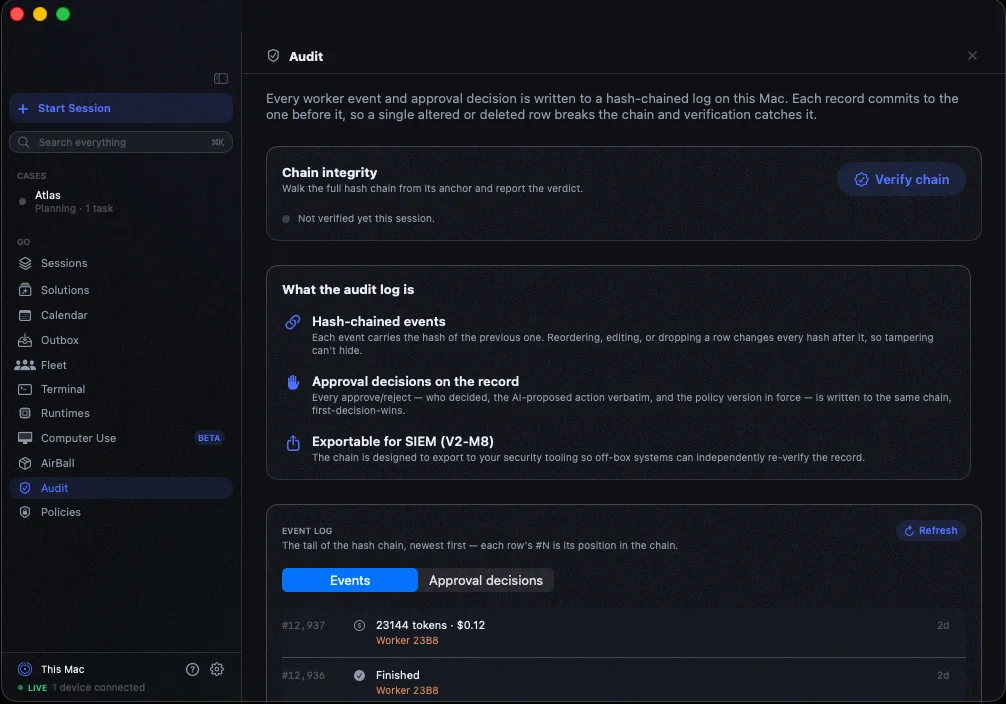
Each event is written to an append-only log where every row carries the hash of the one before it. Recompute the chain from the database alone and prove nothing was altered, including every verdict the policy engine made on your behalf. Sessions keep the whole story of a piece of work, across restarts and across machines.
Any model. Your key, sealed to your Mac.
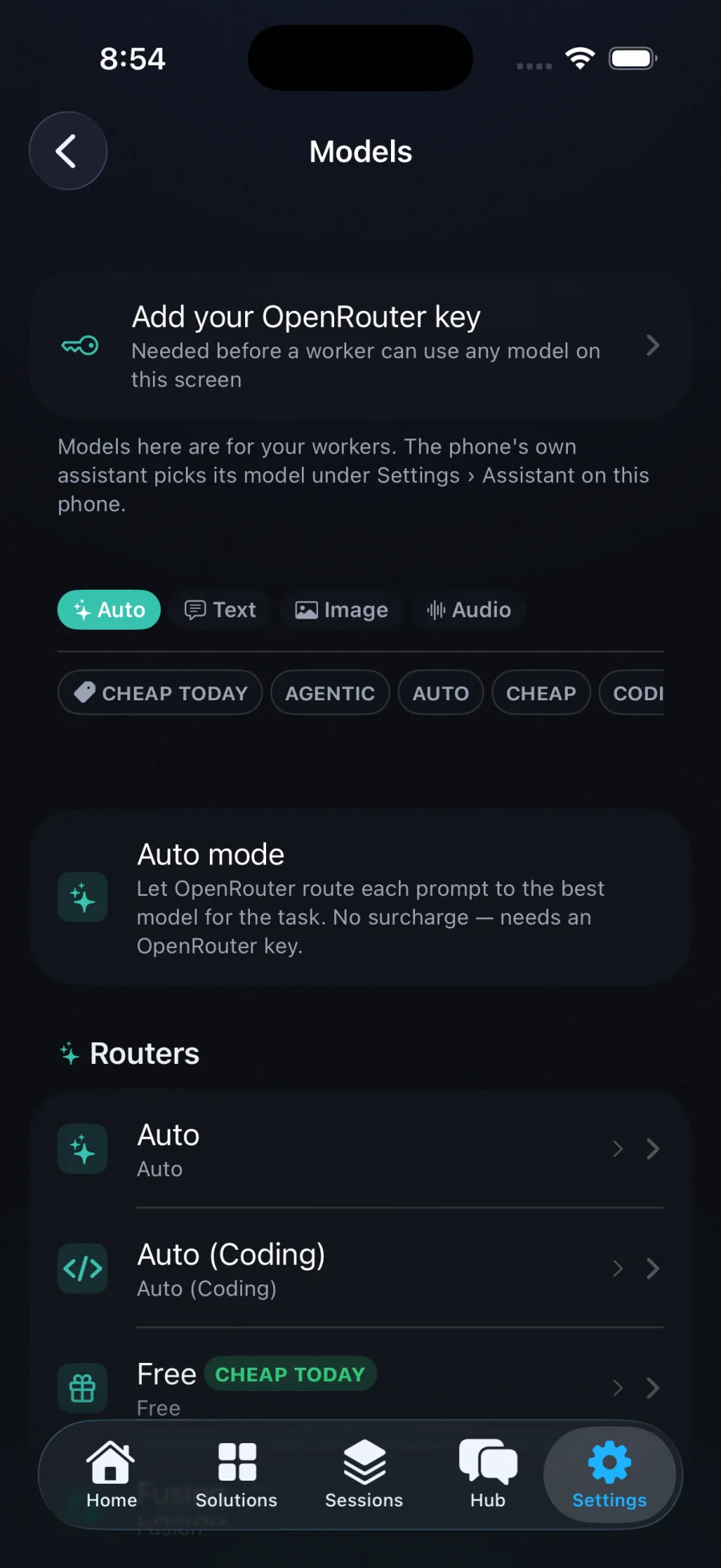
Browse hundreds of models by task and by what is cheapest today, pick one per worker, or turn on Auto. Drop in your own key from the phone; it is sealed to your Mac and injected only at spawn. The relay never sees it, and neither do we. Captures stay on your devices. Transcription happens on the Mac first.
Host any agent as a worker. Run it anywhere.
Every runtime is a real adapter on your Mac, gated on what is installed. Bring the agent you already use; Operator supervises it the same way.
Claude Code
The reference runtime. Tag a terminal session you already have running and its approvals jump to your phone.
Codex CLI
The Codex app-server over JSON-RPC, blocking on its own approval calls.
Gemini CLI
ACP plus a before-tool gateway that runs both gates, fail-closed.
Grok
Grok's agent over ACP. Same approvals, same audit.
Hermes
A resident brain for bots: memory, sessions and 54 lifted skills, running in the box.
Pi
A minimal multi-provider agent, native, sandboxed, or on your cloud.
OpenCode
Headless server over HTTP and SSE; pairs with open-weights backends.
Local models
A tier table picks the model your Mac runs well. Nothing leaves the machine.
Computer Use
Agents driving isolated VMs, every click gated, a screenshot at approval.
Mac, sandbox, or your own cloud. Move a running job between them.
One tap spawns a worker in an isolated Apple container on your Mac, with a recipe that preloads the toolchain. Point the same seam at your own cloud and the fleet follows, same approvals, same audit. A job that started on the Mac can be moved to a box mid-flight, and a bot's agent can be swapped in place without losing the conversation. Pair every Mac you own; one fleet on your phone.
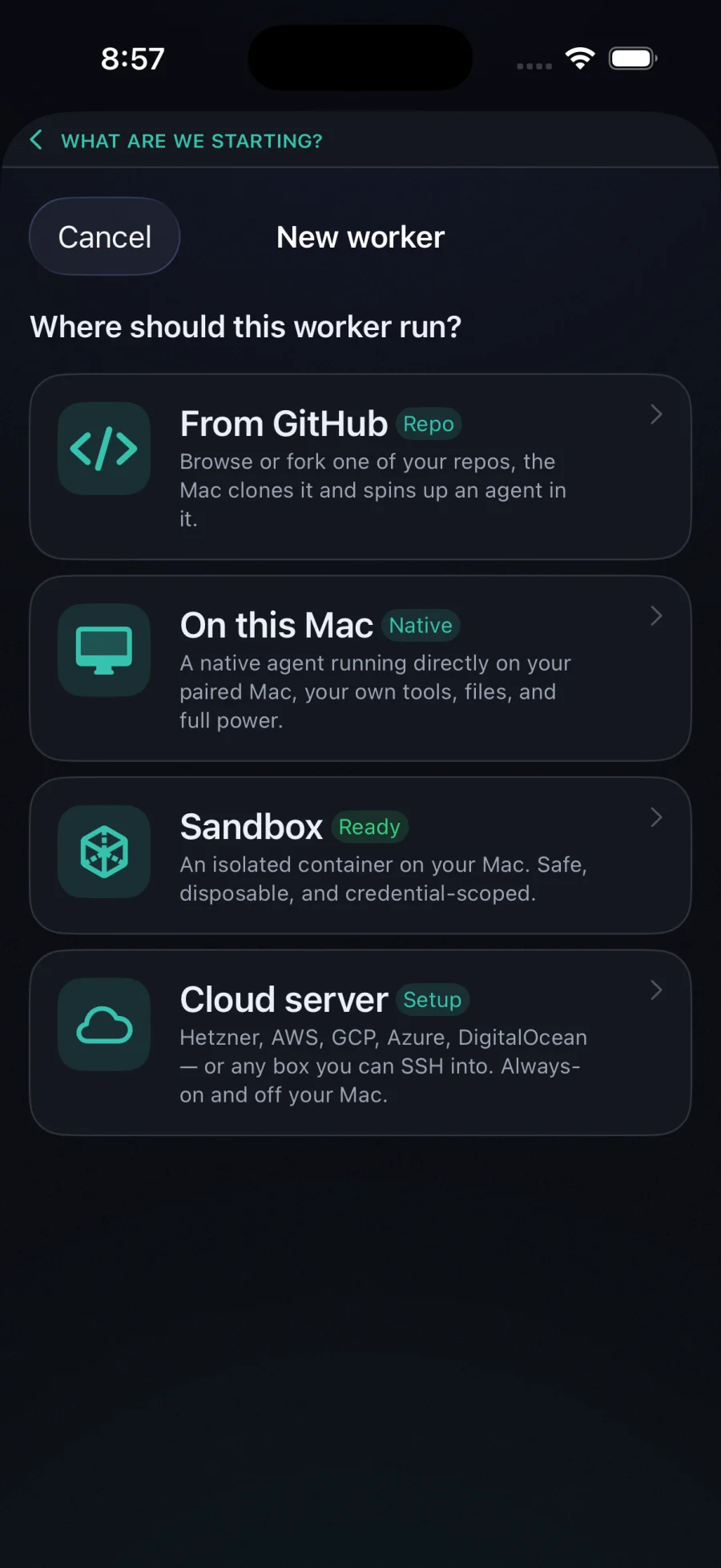

Point it at a repo. See what it builds. Walk away.
Connect GitHub and browse, fork and clone from the phone; the Mac spawns an agent inside before you are back at a desk. When the worker starts a dev server, a Preview button appears and the site renders on your phone over the same sealed session, no public tunnel. Fifty-plus service integrations inject the right credentials at spawn; skills on shelves teach every worker your house rules.
Six lines to a supervised worker.
A zero-dependency TypeScript or Python SDK registers any program as a worker. Emit events, raise approvals, inherit policy and the hash-chained audit for free.
import { OperatorRuntime } from "@operator/runtime-sdk";

const op = await OperatorRuntime.connect({ url, token, workerName: "my-agent" });
op.emit({ kind: "tool", title: "Edit src/app.ts" });
const ok = await op.requestApproval({ title: "Deploy to staging", command: "kubectl apply -f k8s/" });
if (ok) deploy();